

Kwizie Features
Replace passive attendance with proof of understanding
Verify training and prove completion with defined pass criteria, certificates, and audit-ready records — without an LMS.

.svg)
Define passing rules
Share it anywhere
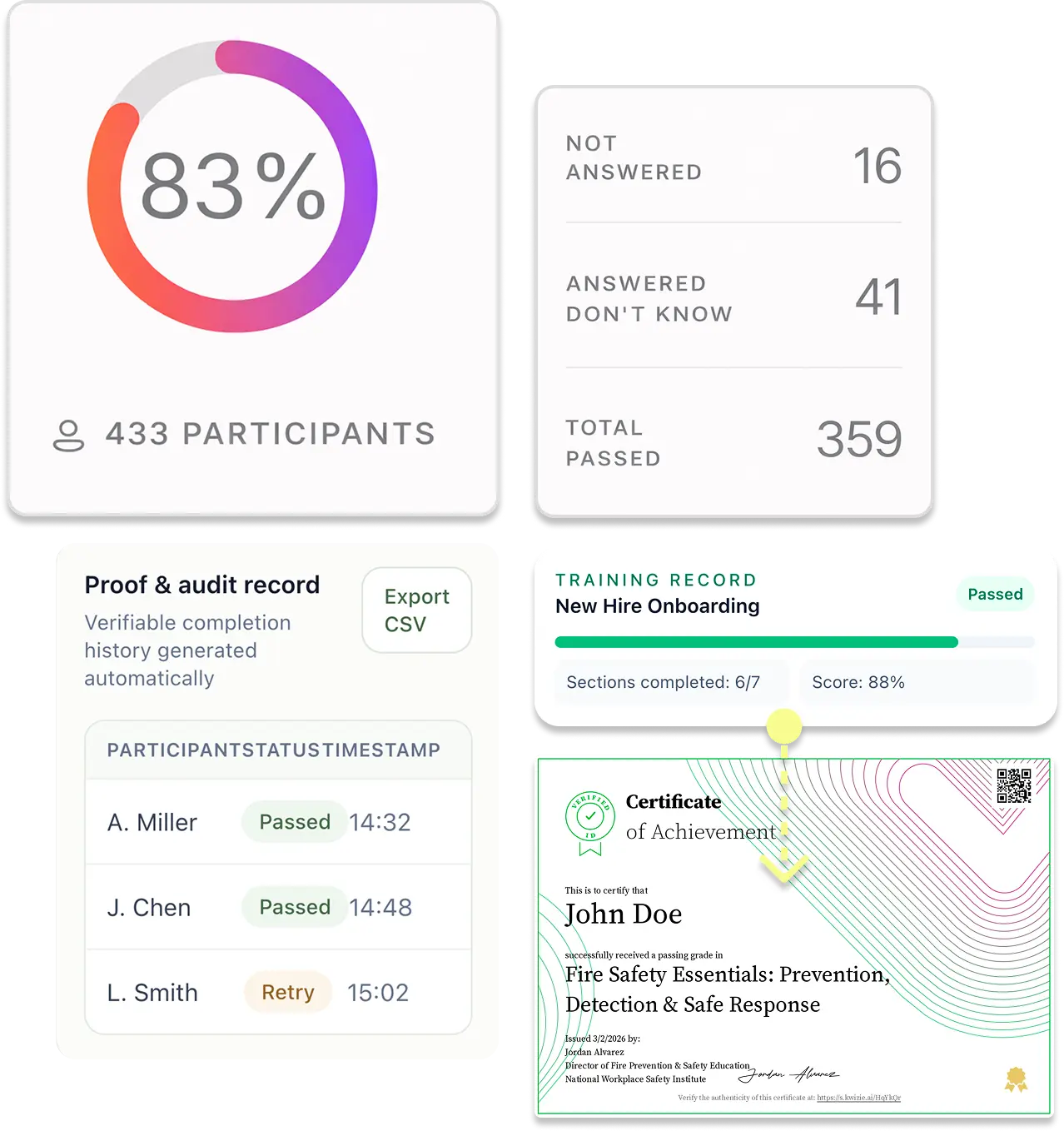
Prove who actually understood

From training content to verified outcomes — automatically
Go from existing training to assessments, certificates, and records in four simple steps.
1
Use your training content

Upload or link webinars, videos, documents, slides, or audio.
2
Set the rules for passing and certification
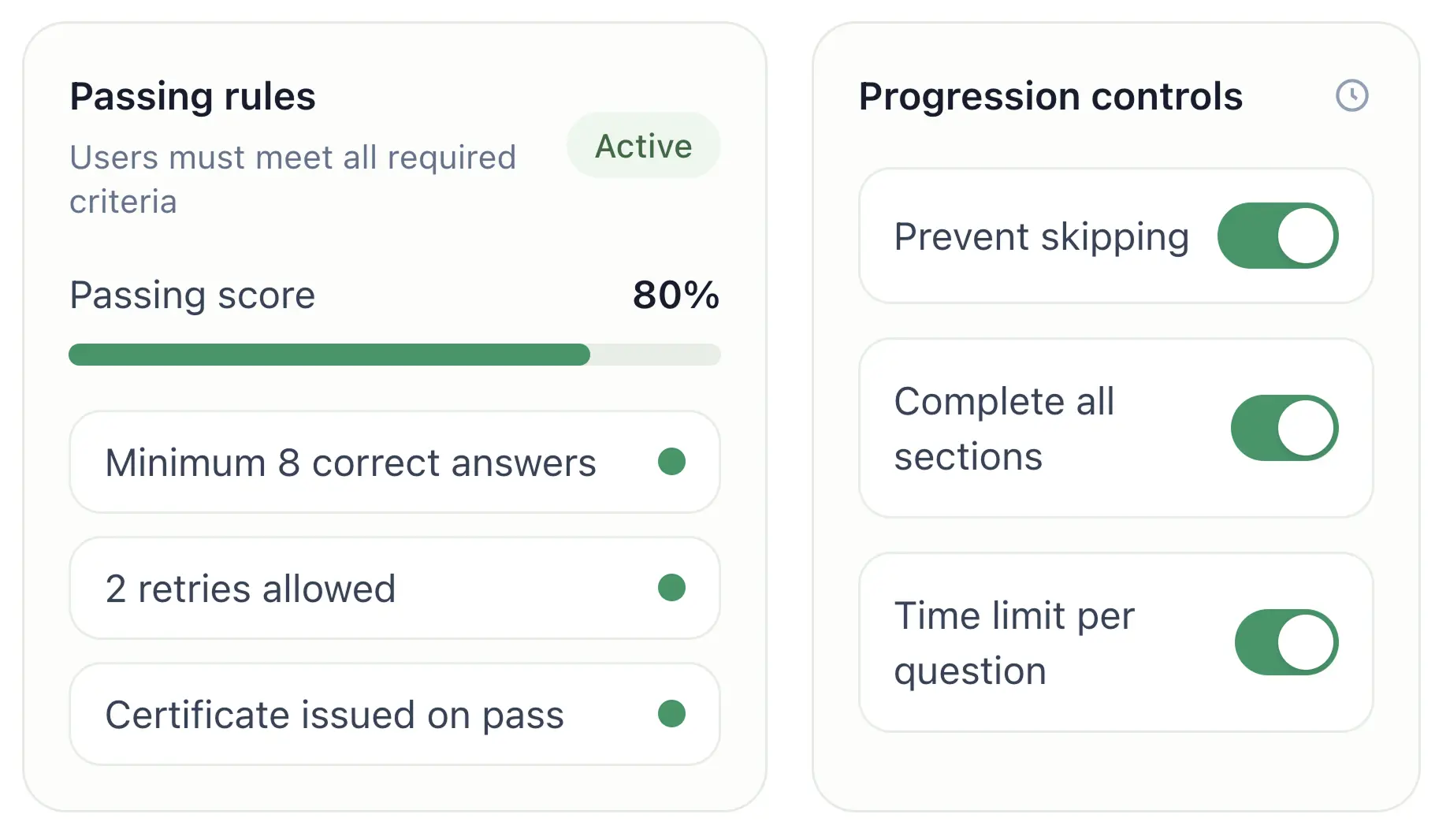
Define score thresholds, retries, and certification requirements → How training verification works.

Designed for real-world training constraints
Manage access, language, and participation rules across any training environment.
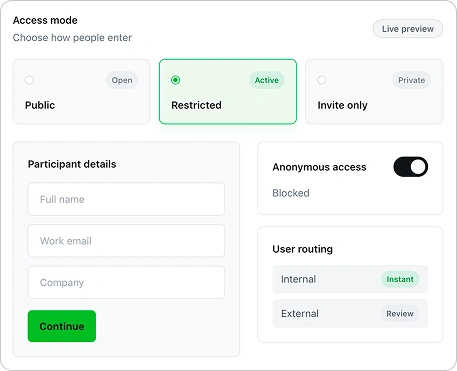
Control access and participation

Restrict access by invitation or audience
Allow or prevent anonymous participation
Set rules for internal vs external users
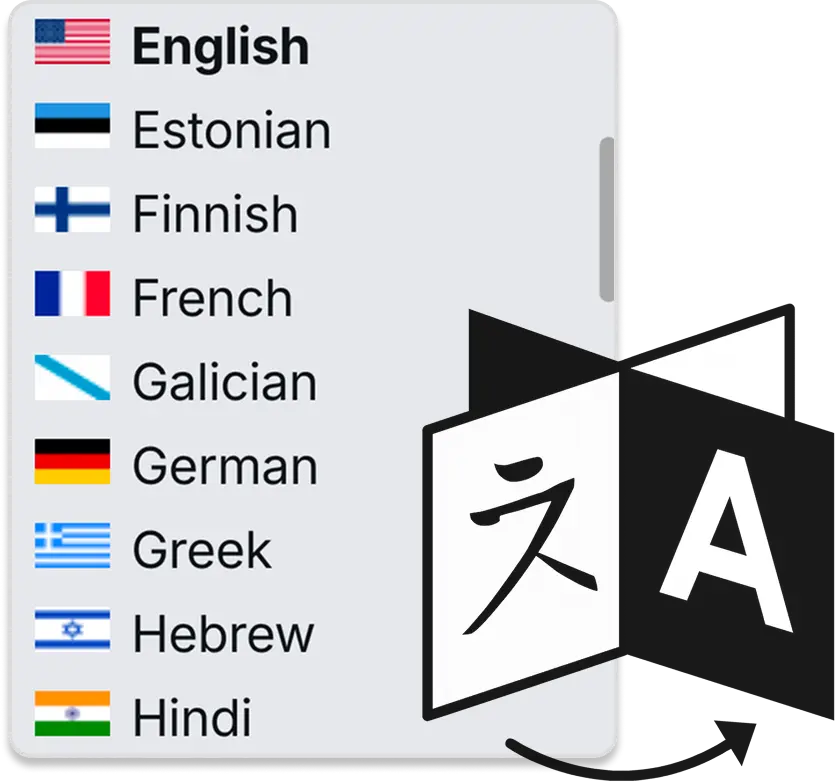
Deliver training in any language
Interface and assessments in multiple languages
Generate questions in the learner’s language
Support global teams across regions

Optional engagement mechanics
Award prizes for passing
Add leaderboards and scoring when relevant
Turn on and off for complete control

Deploy training anywhere without an LMS
Share training via links or QR codes
Embed into your website, app, or blog
Support internal and external audiences

White-labeling and branding customizations
Apply your organization logo & brand color
Used across training, certificates, and participant experience.
Participant interactions reflect your organization, not Kwizie.
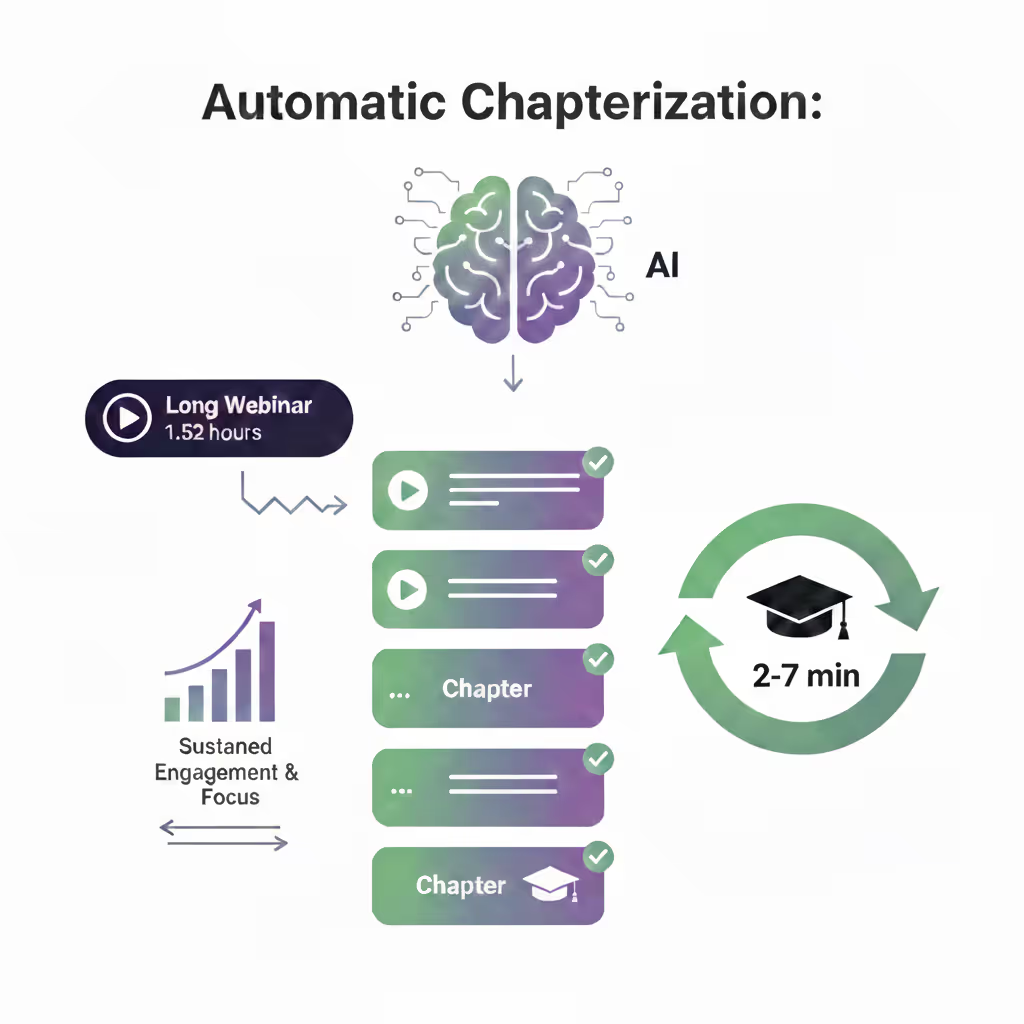
Sustain engagement of long content with bite-sized chunks
Automatically split long videos or audio (e.g. webinars) into bite-sized chapters (2–7 minutes) at natural topic boundaries
Keep trainees engaged throughout long-form content with this unique feature
Auto-generate time stamps, chapter titles, key concepts, and summaries of segments
Infrastructure and flexibility
Fits into your existing training stack
Advanced security and compliance
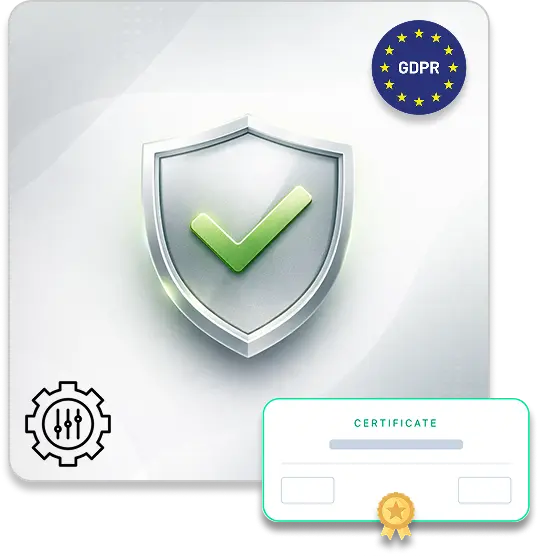
Deploy in private or data-secure environments
Apply advanced access restrictions (e.g. IP-based controls)
Customize certificates and verification formats
Enforce stricter access and identity rules
Integrations and infrastructure
Integrate with LMS, CMS, and training platforms: e.g. Moodle, Canvas, LTI, Hubspot, Docebo, Articulate 360, LearnWorlds etc.
Hosting integrations like Microsoft Teams, Vimeo, Wistia, Panopto, Mediaspace or any others you require
Enable payments and training monetization via Stripe
Build custom training portals and delivery flows
Scalability & capacity
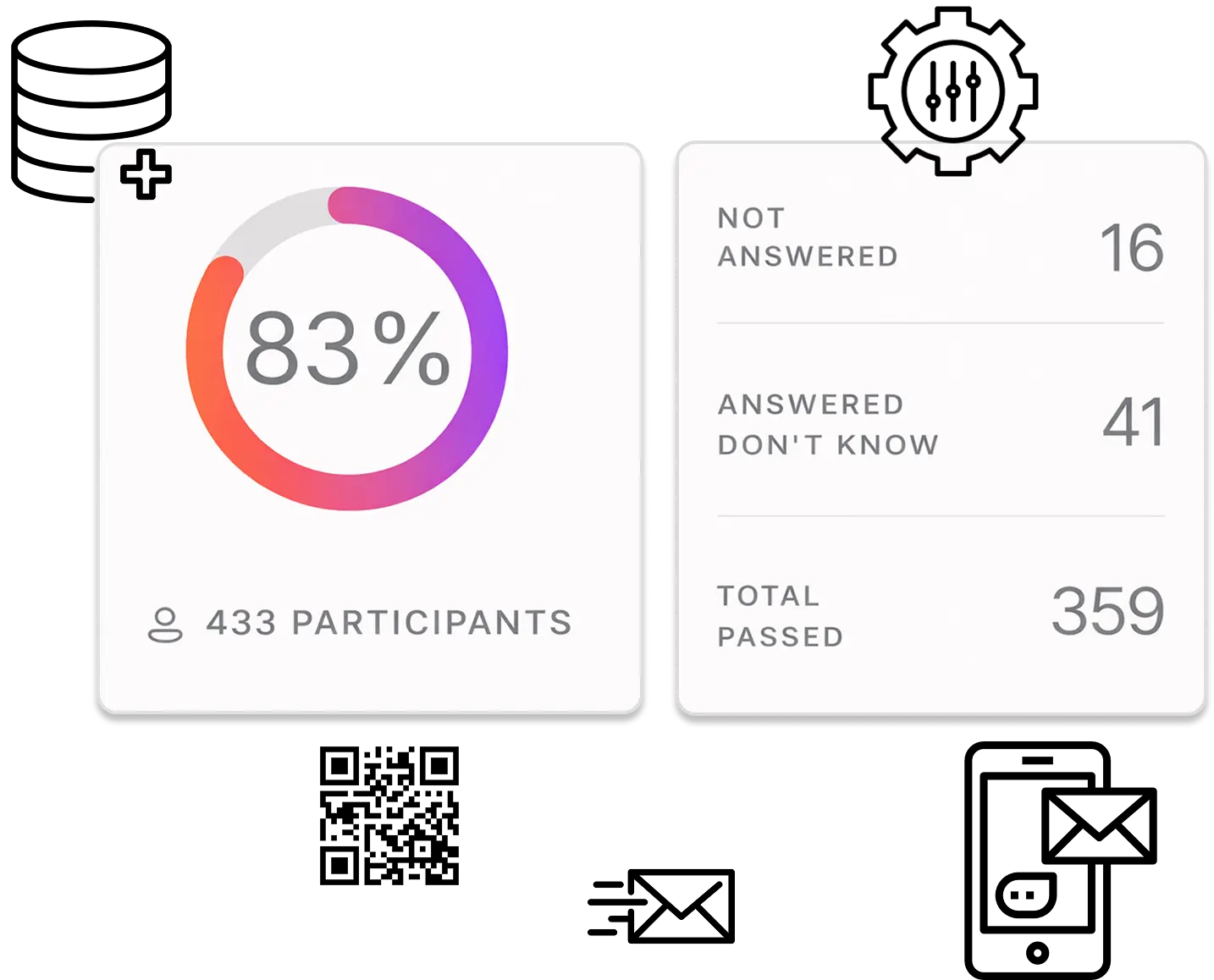
Increase participant capacity for large-scale compliance rollouts
Increase participant, content, and storage limits
Send automated notifications (email, certificates, SMS)
Add custom question types, workflows, and logic
“We sent the document...”
“We ran the webinar... they attended...”
"But we don't know if they actually understood it."
Why Teams choose Kwizie
Use existing videos, webinars, audio and documents — no LMS setup required
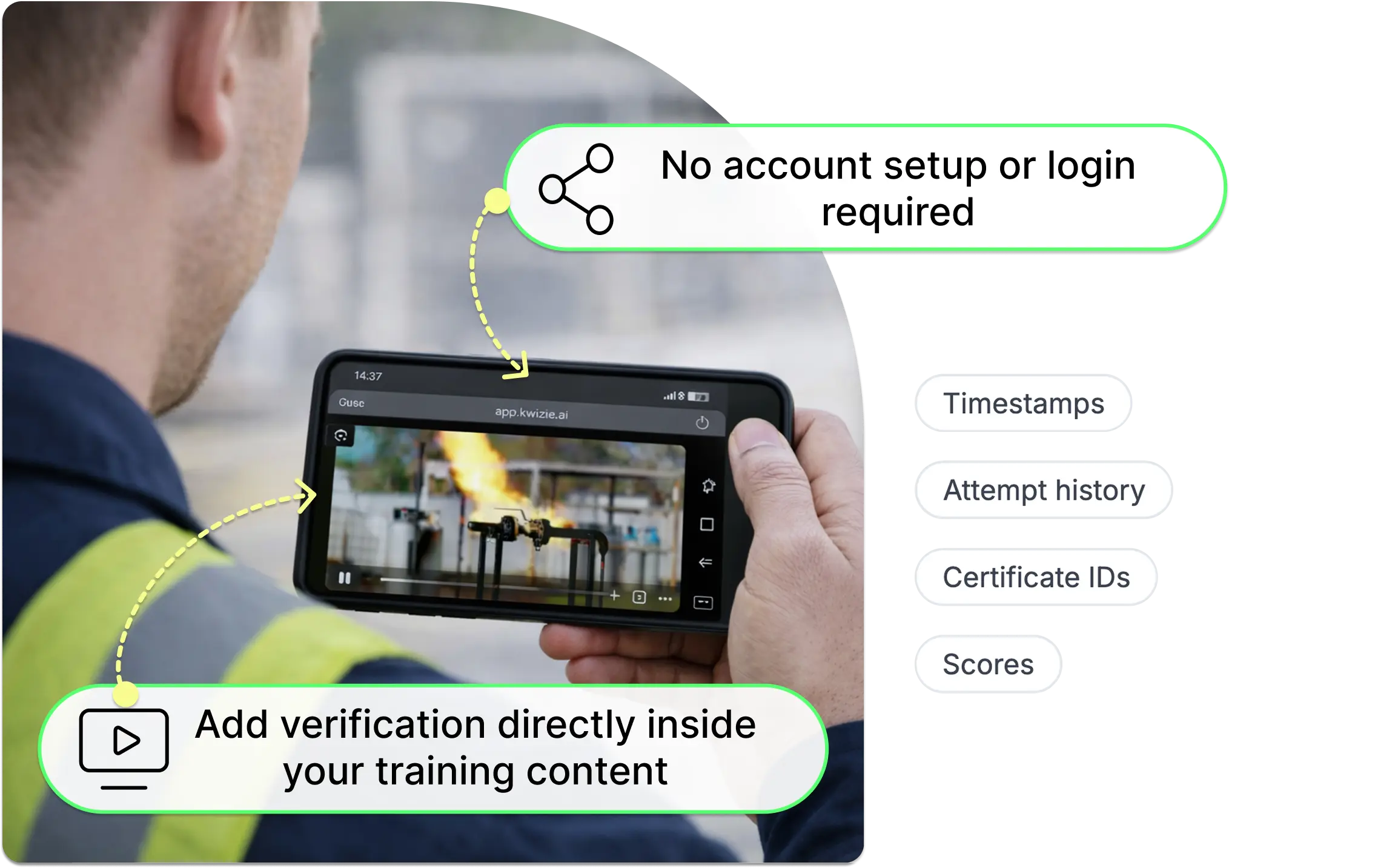
Verify who passed — directly inside your training content
Issue certificates automatically
Export structured records for audits
TRY KWIZIE TODAY
Verify training and generate proof in minutes
Use your existing training. Define completion. Verify results. Export audit-ready proof.





Used globally by 200,000+ trainers and teams
No credit card required • No LMS required • Start in minutes